Features
One screen-tap to scan, one search to find, zero accounts in between. Here's the full list of what shipped in V1.
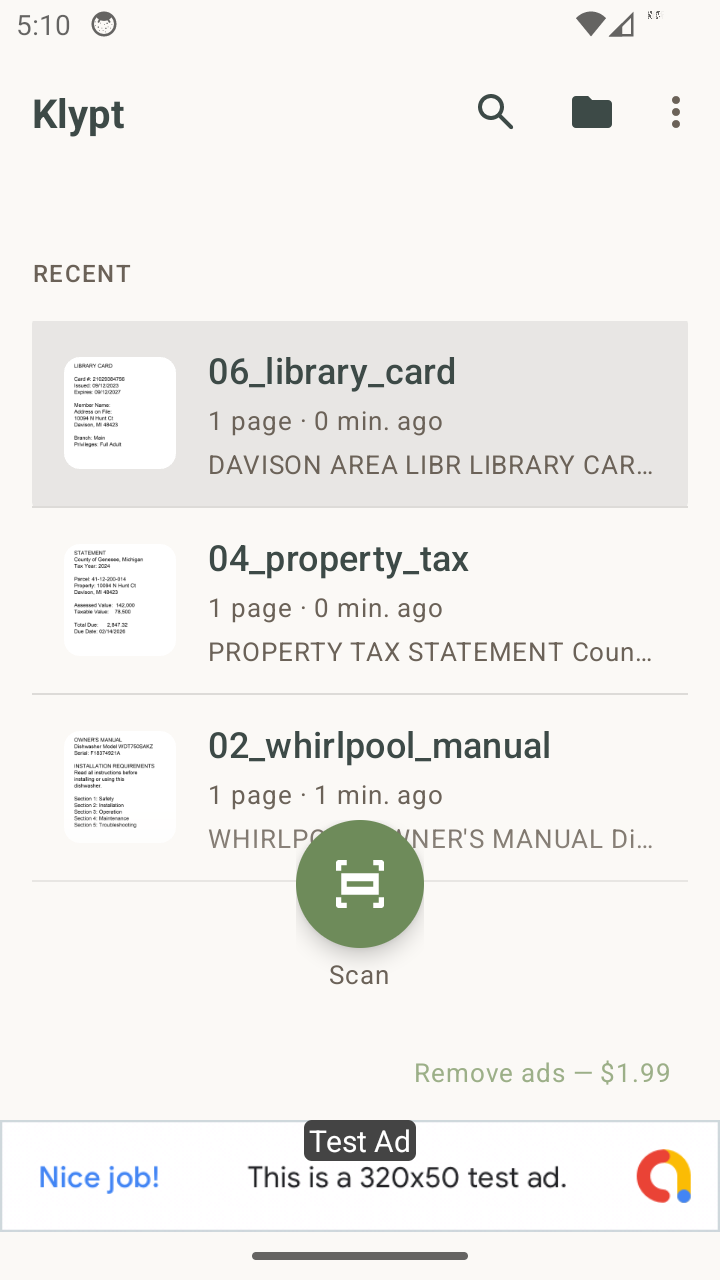
Scan
The Scan button sits at the bottom of the screen, reachable with one thumb even on a Galaxy S23 Ultra. Tap it, point the camera at paper, and Klypt's auto edge detection takes care of the rest. Multi-page documents stay together as a single record.
Powered by Google ML Kit Document Scanner. Works offline. No internet required.
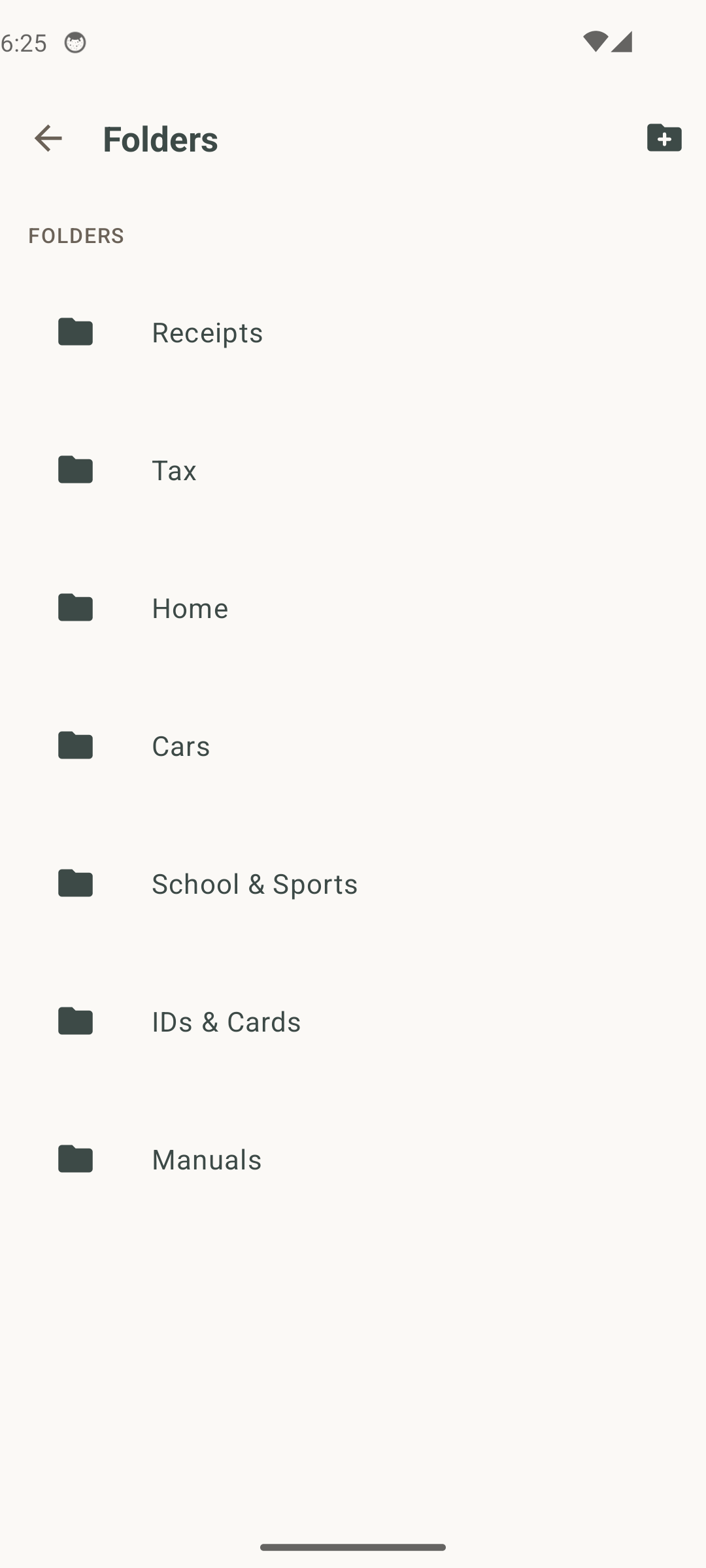
File
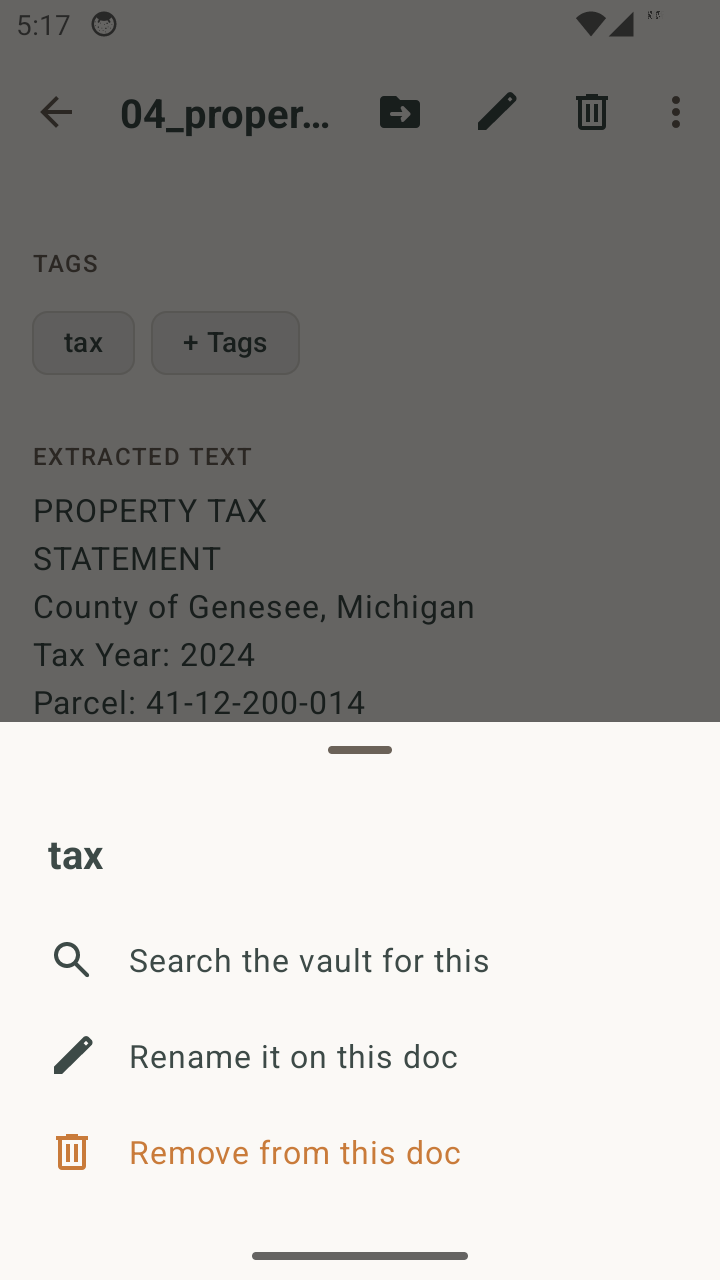
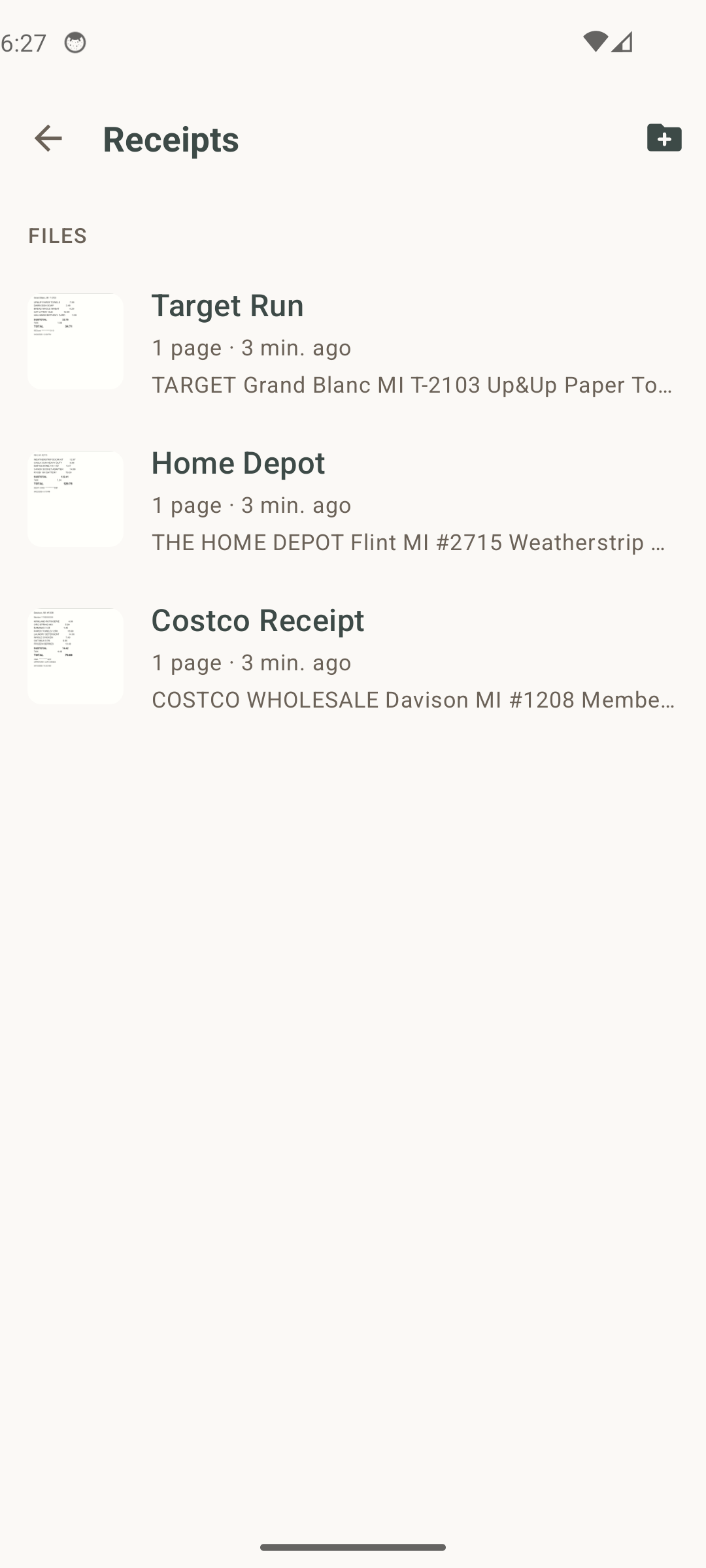
Receipts, Tax, Home, Cars, School & Sports, IDs & Cards, Manuals. Sensible defaults for household paper. Rename, delete, or nest your own as you go. Folders can hold folders; Klypt walks the chain naturally.
No "Medical" folder by design. Klypt is not HIPAA-compliant and isn't built for protected health information.
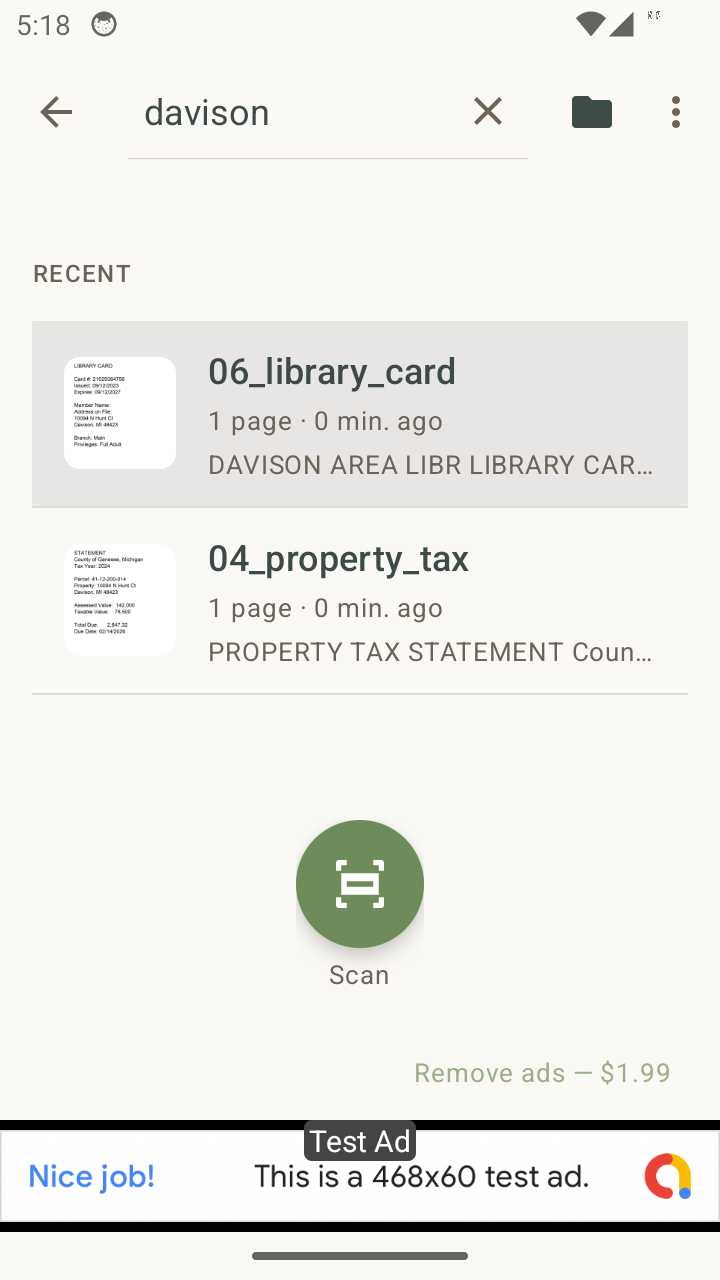
Find
On-device OCR pulls every word off every page. Search "honda 2024" and Klypt will find the service record that has both words in the OCR text, even if you named the file "scan_2024_05_14".
Smart query parser pulls out years, months, and dollar amounts. "costco may $50" filters by all three.
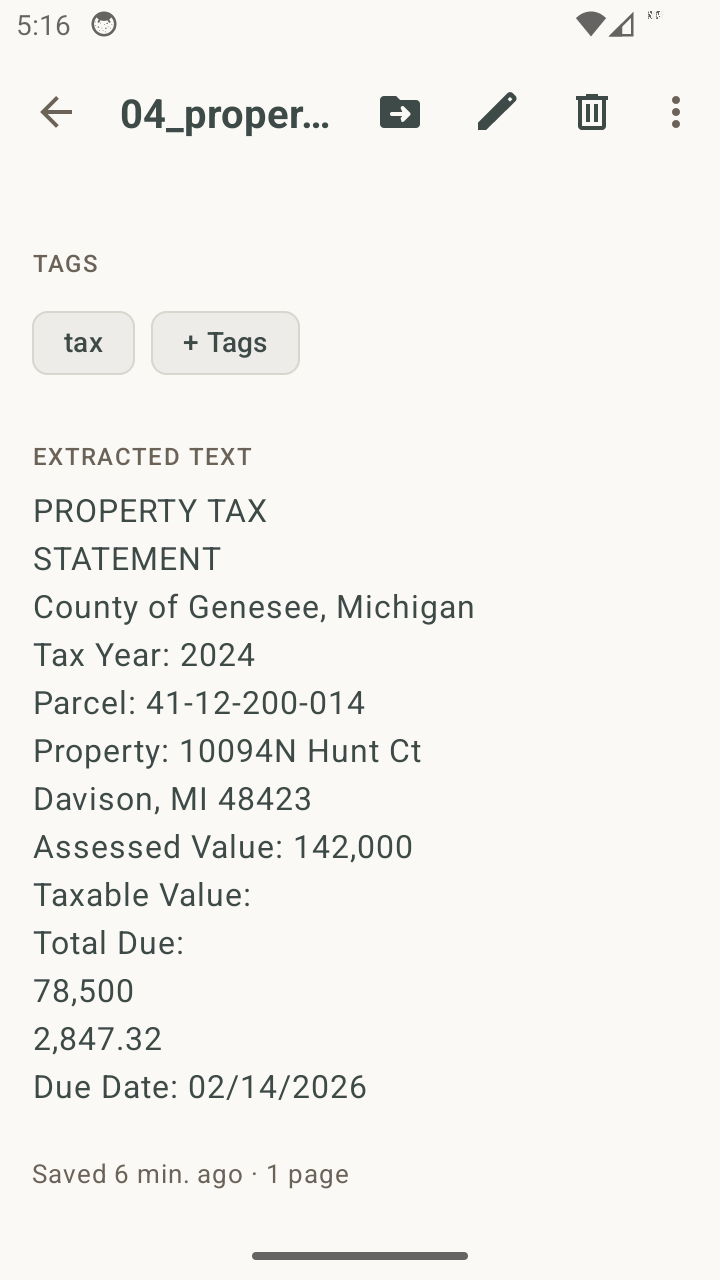
Auto-tag
Scan a Costco receipt and Klypt tags it "costco," automatically and silently, with no popups. Klypt recognizes 700+ vetted brands across the US, UK, Canada, Australia, and New Zealand. Market-aware: foreign brands don't false-tag your receipts.
Two-tier scoring: one dominant primary tag per document, every other match captured invisibly for search ranking.
Edit
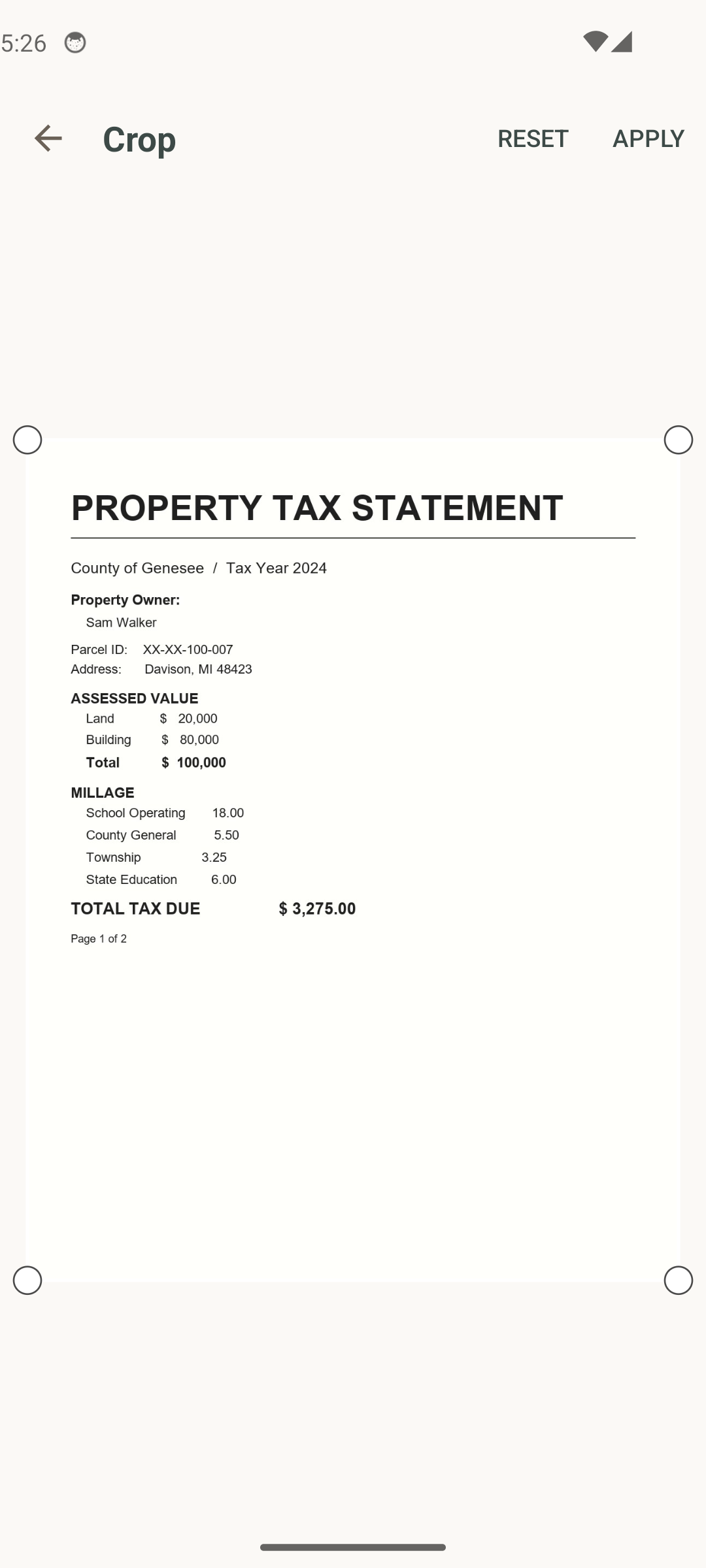
Tidy each page after the scan. Crop to remove background. Rotate in 90° increments. Switch to grayscale or high-contrast black-and-white for low-ink thermal receipts. Every edit is stored as metadata, so the original image is never overwritten.
Per-page undo, redo, and revert. Edits on one page never touch another.
Lock
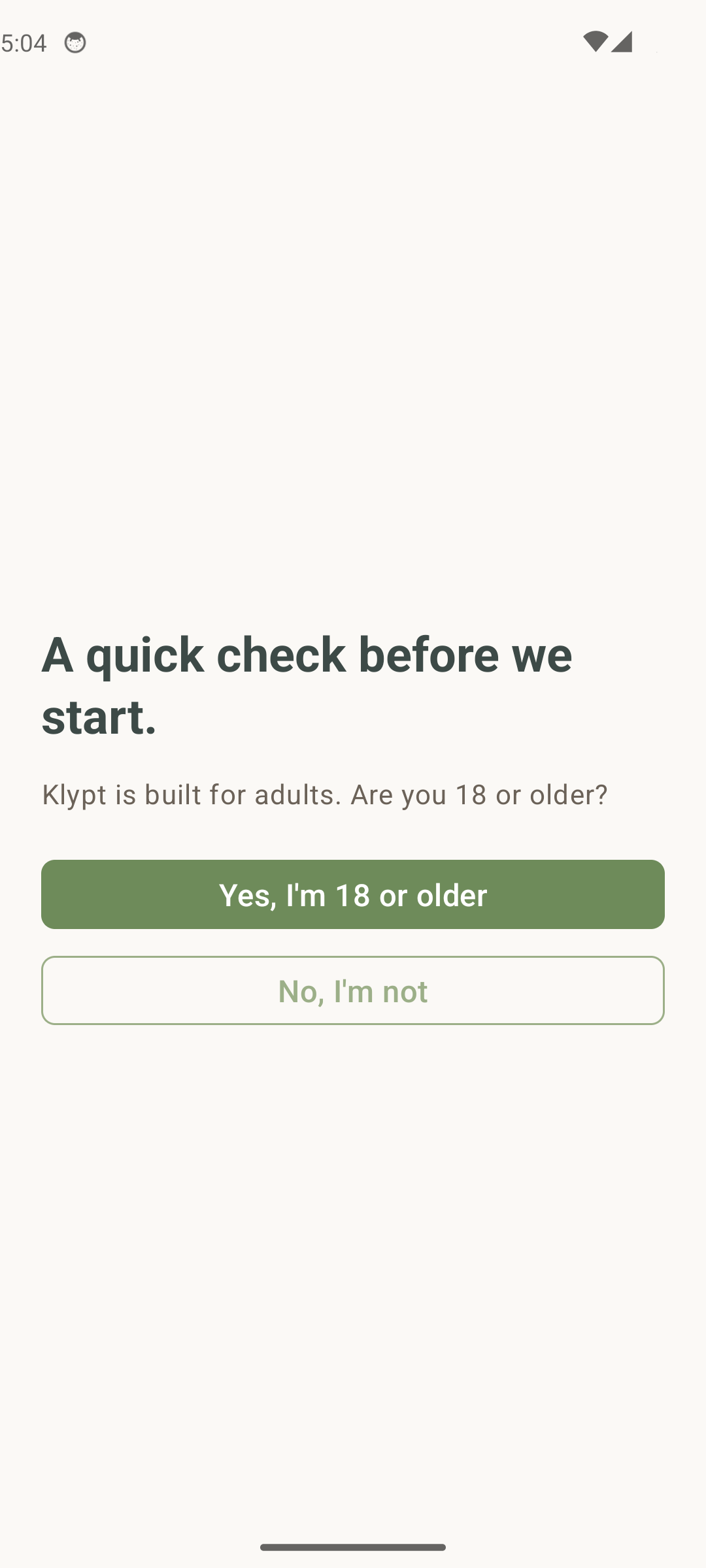
Turn on the vault lock and Klypt asks for your fingerprint or device PIN before opening. Auto-lock options: immediately when you leave, 30 seconds, 1 minute, 5 minutes. Uses your phone's existing credential. Klypt never sees your fingerprint.
Watch the padlock open with a brand-faithful 3D rotation. Skipped automatically if you have reduced-motion turned on.
Bring in
Already have a PDF or image? Import it from anywhere on your phone. Klypt OCRs each page and files it like any other scan. Or tap "Open with Klypt" from another app's share sheet.
Multi-page PDFs land as a single document, in order.
Send out
Tap Share on a document, and Klypt builds a PDF (multi-page) or JPEG (single page) and hands it to your phone's share sheet. Email it, save it to Drive, AirDrop to a tablet. Klypt itself never uploads anything.
Files share-out from a cache that's swept on every export. Nothing piles up.
No cloud. No account. No data sold.
Everything above runs on your device. No upload step. No login. No telemetry on your scans.
Get Klypt
All of it runs on your phone, from the first scan. Download Klypt on Google Play and try it in under a minute.
Free with banner ads · Remove ads once for $1.99 · Available in the US, UK, Canada, Australia, and New Zealand.
Cloud sync and multi-device: your vault restores on a new phone and shows up on every device you own. Opt-in, paid, a separate subscription.
See the V1.1 cloud preview Klypt
Klypt